How long does Recently Deleted keep photos?
The short answer: the Recently Deleted album keeps deleted photos and videos for about 30 days, then deletes them for good. Each item shows how many days it has left. You can recover them at full quality any time before that. After that, or once you empty the album, only the preview copies in the iPhone's image cache may be left.
How long Recently Deleted keeps photos
About 30 days from when you deleted each photo. Open the album and every item shows the days remaining. Apple's wording varies between "30 days" and "up to 40 days" depending on the version of iOS and the screen, so treat the counter on your own phone as the real answer.
Photos leave the album sooner when you:
- tap Delete All or delete them from inside the album,
- delete them from Recently Deleted on another device signed in to the same iCloud Photos, or on iCloud.com,
- or when the iPhone is very short of storage and iOS clears the album to make room.
How to recover photos from Recently Deleted
- Open Photos and find Utilities: under Albums or Collections, or by scrolling down the main view, depending on your iOS version.
- Under Utilities, tap Recently Deleted.
- Tap View Album and unlock with Face ID, Touch ID or your passcode.
- Tap Select, choose the photos, then tap Recover. To bring everything back, tap Recover All.
Recovered photos go back to your library at full quality, with Live Photo motion and edits.
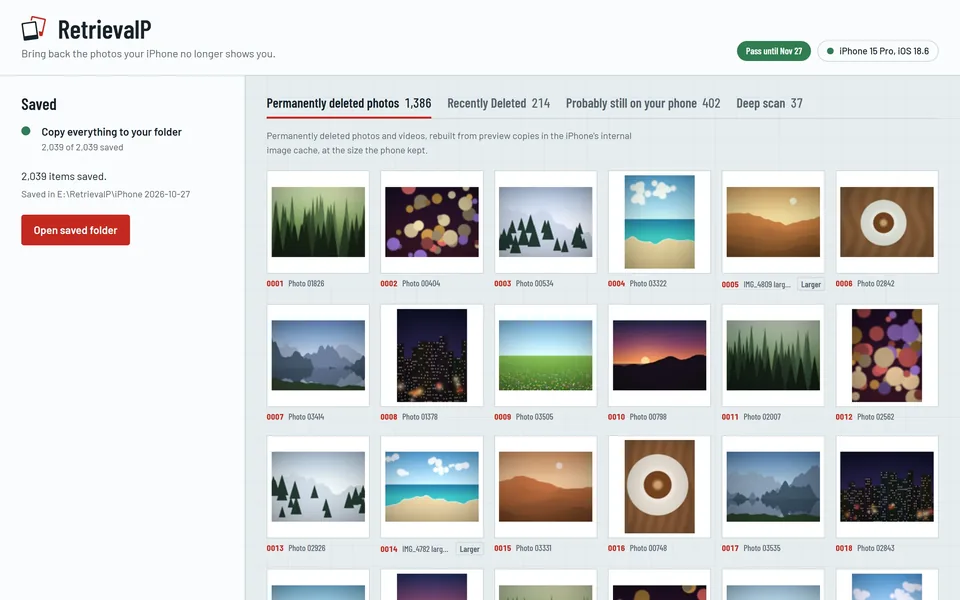
If there are hundreds or thousands of items and you'd rather copy them all to a computer in one go, RetrievalP saves everything in Recently Deleted to your PC in a single step, with Live Photo motion and edited versions alongside.
Where's Recently Deleted if I can't find it?
- It's at the bottom of the album list, under Utilities, not with your own albums.
- If it asks for Face ID or a passcode, that's normal since iOS 16.
- If there's no Albums tab, your iOS version puts collections in the main view or a Collections tab: scroll down to Utilities there.
After 30 days, or after emptying it
Once a photo leaves Recently Deleted, iOS destroys the key that unlocks its full-size original, and the original can't be rebuilt by any app. What often survives is the preview copy the iPhone kept in its internal image cache to draw your Photos grid. That copy stays until iOS reuses the space, which can take months.
The Photos app gives you no way to see those previews, but a computer can read them over USB. How to recover photos deleted from Recently Deleted walks through it, starting with the backups worth checking first.
More guides
- How to recover photos deleted from Recently Deleted on iPhoneEmptied Recently Deleted on your iPhone? The original is gone, but a preview copy often survives in the iPhone's image cache. What to check first, and how to get them back.
- How to recover deleted iPhone photos without a backupNo iCloud or computer backup? Where deleted iPhone photos can still be, step by step, and what no app can bring back.
- Recover deleted iPhone photos on a Windows PCGet deleted iPhone photos back on Windows 10 or 11: what you need, how to connect the iPhone, and how to scan it for photos deleted for good.
- The iPhone image cache: where deleted photos still hideHow the iPhone's internal image cache (.ithmb) keeps preview copies of photos after they're deleted for good, and how a computer reads them back.